

How To Use the Lexus Lane Tracing Assist System
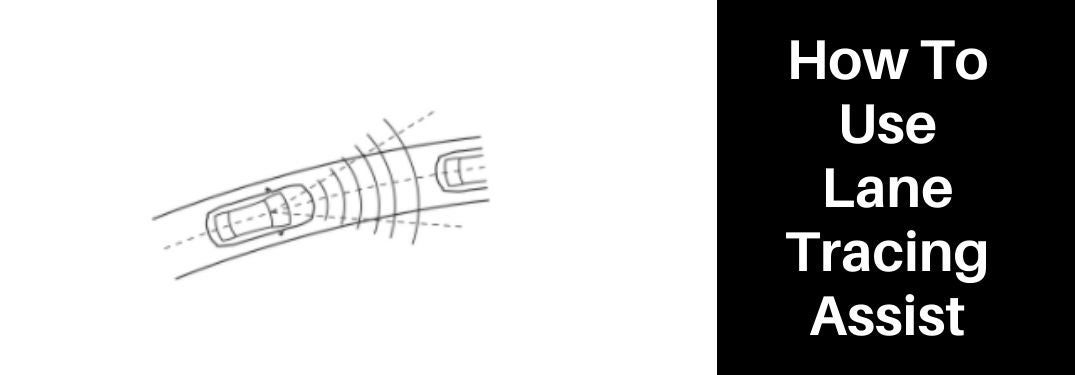
Award-winning safety is a trademark of the Lexus brand and Lexus Safety System+ 2.5 technology in the 2022 Lexus ES will provide drivers with a suite of driver-assist systems. Lane Tracing Assist (LTA) is a hands-on feature in the Lexus Safety System+ arsenal that employs a suite of cameras and sensors to monitor lane markings and provide added steering to ensure you stay centered in your lane. Drivers who are new to the Lexus brand can learn how to use the Lexus Lane Tracing Assist System with this quick how-to guide created by Earnhardt Lexus in Phoenix.
How-To Guide to Lane Tracing Assist Settings
- Press the Lane Tracing Assist Button on the Steering Wheel
- Set the Dynamic Radar Cruise Control System
- Press the LTA/Back Button and Select SETTINGS on the Multi-Information Display
- Turn Lane Tracing Assist: Lane Centering ON or OFF
- Turn Lane Tracing Assist: Steering Assist ON or OFF
- Choose Lane Tracing Assist Alerts: AUDIBLE or STEERING VIBRATION
- Choose Lane Tracing Assist Sensitivity: STANDARD or HIGH