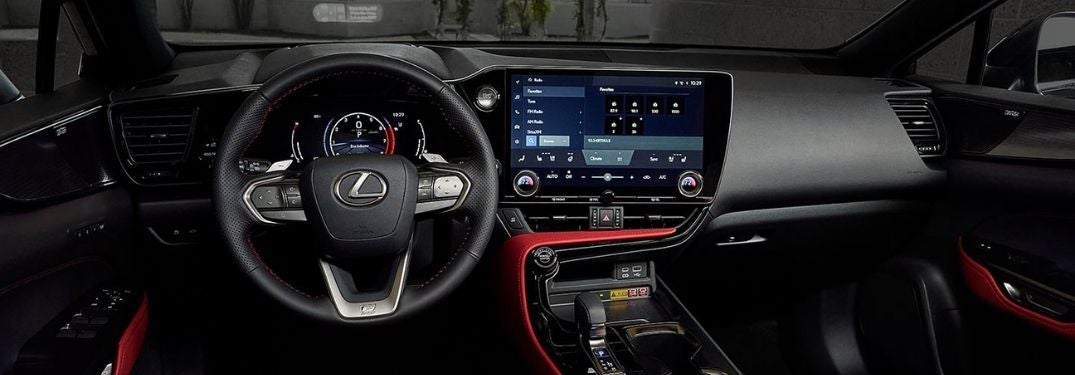


How To Use Lexus Voice Recognition Mode
The Voice Recognition Mode feature in your 2021 Lexus RX will add to your automotive experience with the ability to control Lexus features with simple voice commands. Next-generation Lexus models provide drivers with a Training Mode that will help you establish the voice commands you need to place phone calls, send text messages and improve overall voice recognition performance. Learn how to use Lexus Voice Recognition Mode with this step-by-step tutorial provided by Earnhardt Lexus. Visit the Earnhardt Lexus inventory today to find a Lexus luxury vehicle that will meet your needs in Phoenix!
READ MORE: How To Understand Lexus Dashboard Warning Lights and Indicators
How-To Guide to Lexus Voice Recognition Mode
- Press the MENU Button on the Remote Touchpad
- Select SETUP on the Lexus Enform Touchscreen Display
- Select VOICE on the Menu
- Select TRAIN VOICE RECOGNITION
- Select START to Begin
- Follow the Voice Prompts
OR
- Press the TALK Button on the Steering Wheel
- Select VOICE TRAINING on the Menu
- Select START to Begin
- Follow the Voice Prompts