
How To Adjust the Lexus Head-Up Display Settings
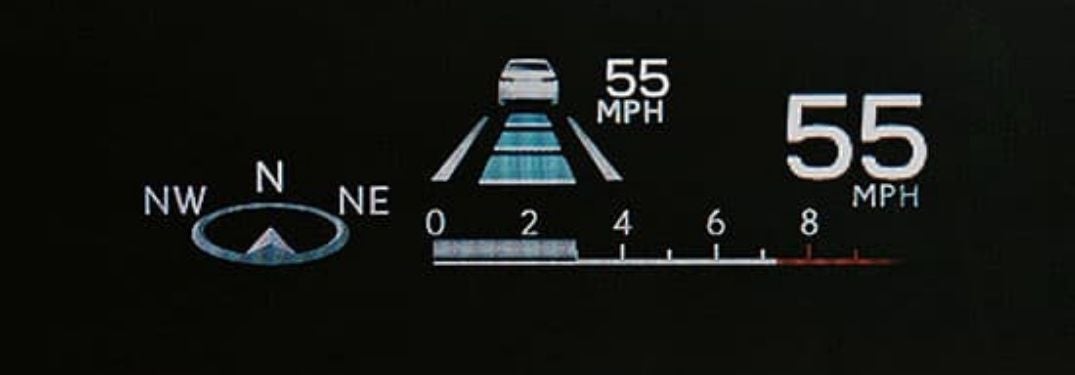
State-of-the-art Lexus vehicles – like the 2021 Lexus RX luxury crossover – will keep you safe and connected no matter where adventure takes you. When equipped with the Lexus Head-Up Display, vital vehicle information is projected onto the windshield, so you never have to take your eyes off the road. Information displayed with the Head-Up Display includes turn-by-turn directions, vehicle speed, gear position and safety alerts. Learn how to adjust the Lexus Head-Up Display settings with this quick step-by-step guide provided by Earnhardt Lexus.
How-To Guide to Lexus Head-Up Display Settings
- Press the HUD Button on the Dashboard to Turn On
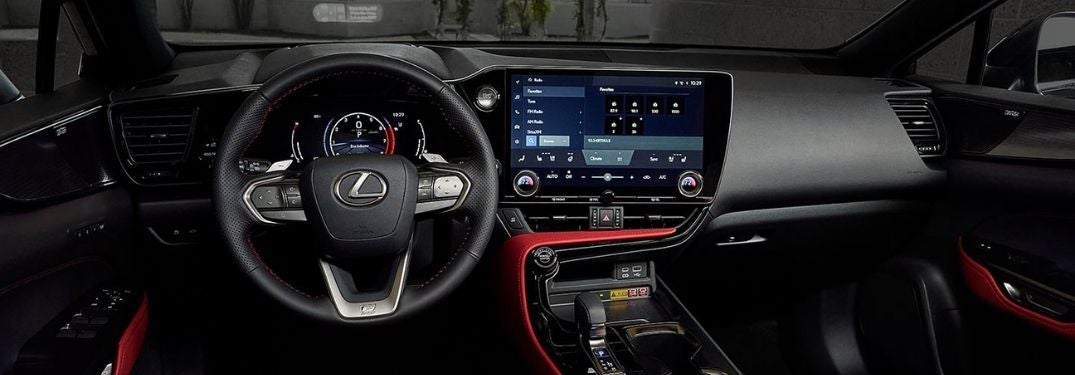
- Press the MENU Button on the Lexus Steering Wheel
- Scroll to SETTINGS on the Multi-Information Display Menu
- Scroll Down to HUD BRIGHTNESS/POSITION and Press SELECT
- Use the Arrow Keys to Adjust Brightness and Position
- Return to the SETTINGS Menu
- Scroll Down to VEHICLE SETTINGS and Press Select
- Scroll Down to HUD DRIVING SUPPORT and Press Select
- Select TACHOMETER SETTINGS and Use Arrows to Change Settings
- Select NAVIGATION and Use Arrows to Change Settings
- Select DRIVING ASSIST and Use Arrows to Change Settings
- Return to the SETTINGS Menu
- Select HUD ROTATION and Use Arrows to Adjust Settings